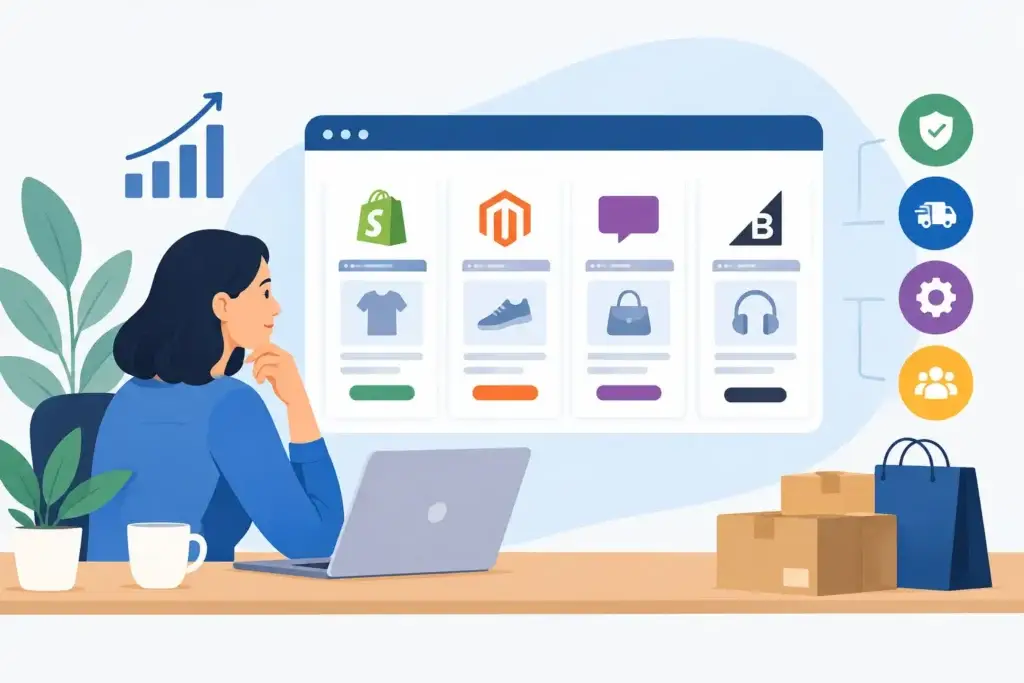
A platform that looks cheap in month one can become expensive the moment you need better checkout controls, inventory sync, regional payments, or a new sales channel. That is why an ecommerce platform selection review should start with how your business operates and sells, not with which platform has the most polished demo.
For an SME, the right choice is rarely the platform with the longest feature list. It is the one your team can run confidently, your customers can use without friction, and your growth partners can improve without rebuilding the store six months later.
Start With the Revenue Model, Not the Theme
Before comparing Shopify, WooCommerce, BigCommerce, or an enterprise system, get specific about what the store must do in the next 12 to 24 months. A simple direct-to-consumer store has very different requirements from a B2B supplier, a retailer with physical outlets, or a brand selling customized products.
Start with your catalog. A business with 30 straightforward products can prioritize speed, simple stock management, and a fast checkout. A store with thousands of SKUs, product bundles, subscriptions, wholesale pricing, or location-based inventory needs more control. Trying to force complex operations into a basic setup often leads to manual workarounds, inaccurate stock, and lost orders.
Also consider where demand will come from. If Google Search Ads and SEO are major acquisition channels, product pages must be indexable, fast, and easy to optimize. If Meta, TikTok, or Xiaohongshu campaigns will drive the majority of traffic, mobile landing speed, product-feed quality, and tracking reliability deserve more attention than advanced blog features.
The platform is not just a website decision. It affects how efficiently you can acquire, convert, fulfill, and retain customers.
The Ecommerce Platform Selection Review Criteria That Matter
A practical review should evaluate the full cost of running the store, not just the monthly subscription. The right platform depends on your commercial model, internal resources, and growth plan.
Checkout and conversion control
Checkout is where marketing spend either turns into revenue or disappears. Review the number of checkout steps, supported payment methods, guest checkout, discount logic, abandoned-cart recovery, and mobile experience.
For Singapore-based businesses, common regional payment preferences, delivery options, and local tax settings may matter as much as standard card payments. If you sell internationally, check multicurrency behavior, duties, shipping rules, and localized storefront support before launching campaigns in new markets.
Some hosted platforms make checkout simple to activate but limit design or workflow changes unless you move to a higher-tier plan. Open-source platforms can offer more flexibility, but that flexibility introduces responsibility for development, testing, updates, and security. Neither approach is automatically better. The question is whether the extra control will produce a measurable gain in conversion rate or operational efficiency.
Total cost of ownership
A low monthly fee is not a reliable cost comparison. Include payment processing fees, transaction fees, premium apps, development work, maintenance, hosting, security, integrations, and support.
A hosted platform usually offers more predictable operating costs. It can be a strong fit for SMEs that want to launch quickly and avoid managing servers or software updates. But app subscriptions can accumulate quickly when you add reviews, subscriptions, advanced search, bundling, loyalty, email automation, and reporting.
A WooCommerce or other self-managed build may have lower software licensing costs, especially if you already use WordPress. Yet it requires a dependable maintenance plan. Plugin conflicts, slow hosting, and delayed updates are not minor technical issues when paid traffic is landing on the site every day.
Ask each vendor or development partner for a 12-month cost estimate, including the features you expect to add after launch. This exposes the difference between an affordable platform and an affordable-looking platform.
Integrations and operational fit
Your store needs to share reliable data with the systems around it. Review integrations for accounting, inventory, warehouse management, point of sale, CRM, email, customer support, analytics, and product feeds.
Do not assume an integration listed in an app marketplace will work exactly as needed. Confirm what data syncs, how often it syncs, what happens when a product is out of stock, and who resolves errors. An integration that only updates inventory once per day can create real problems for high-demand products.
If the business sells through retail stores, marketplaces, social commerce, or sales representatives, establish a single source of truth for products and inventory. Multiple systems can work, but only if ownership and data flows are clear.
SEO, performance, and paid media readiness
A good-looking ecommerce store can still underperform if product pages are slow, duplicate pages are created by filters, or conversion tracking is incomplete. Review control over page titles, meta descriptions, URLs, redirects, structured product data, image optimization, and canonical settings.
For performance marketing, confirm that your team can implement and validate tracking for Google Ads, GA4, Meta Pixel, and server-side events where appropriate. A platform that makes tracking difficult can leave you optimizing campaigns against incomplete data.
This is particularly relevant for businesses planning to scale ad spend. You need confidence that the reported purchase, lead, and revenue data is accurate enough to make budget decisions. If attribution is unclear, a higher-converting platform can appear weaker than it really is.
Ownership, security, and support
You should own the domain, platform account, customer data, creative assets, and advertising accounts. A vendor may manage the setup, but access should not depend on their goodwill or a future handover project.
Hosted platforms generally reduce technical security burdens because core software and infrastructure are managed for you. With self-hosted systems, responsibility is more distributed. You need backups, security monitoring, plugin updates, access controls, and a defined recovery process.
Support also differs significantly. Some platforms provide direct support for account and platform issues but not custom code. Others rely on agencies, developers, or community forums. Make sure the support model matches your team’s tolerance for technical troubleshooting.
How Common Platforms Fit Different SMEs
Shopify is often the practical choice for businesses that need speed to market, an easy admin experience, and dependable core ecommerce functionality. It works well for many product-based SMEs, especially those focused on direct-to-consumer sales and paid social. Its trade-off is that advanced requirements may involve paid apps, plan upgrades, or development within platform constraints.
WooCommerce suits businesses that need WordPress-level content flexibility, more control over their stack, or custom functionality that does not fit a standard hosted platform. It can be cost-effective and highly adaptable, but it is not hands-off. The quality of hosting, development, maintenance, and plugin selection directly affects store performance.
BigCommerce can be a strong middle ground for larger catalogs and businesses that want more built-in functionality without managing an open-source environment. It deserves consideration when product complexity is growing, though local implementation expertise and integration needs should be checked early.
Adobe Commerce and similar enterprise systems are for genuinely complex operations, not ambitious branding alone. They can support extensive customization, multiple storefronts, and sophisticated B2B workflows. They also require larger budgets, experienced technical resources, and disciplined project management. For most SMEs, selecting an enterprise platform too early delays launch and consumes budget that could have generated demand.
Use a Weighted Scorecard Before You Commit
Avoid choosing based on a single demo or a recommendation from a friend in a different business. Score your shortlisted platforms against the criteria that affect revenue and operating time.
Use a 1-to-5 score for conversion capability, operating cost, integrations, SEO control, speed, security, scalability, and internal ease of use. Then assign more weight to the factors that matter most. For example, a retailer with frequent product launches may prioritize catalog management and inventory sync. A premium service brand selling a few high-ticket products may prioritize landing-page flexibility, CRM integration, and lead attribution.
Bring the people who will actually use the system into the review. That includes the operations lead, customer service team, finance contact, marketing manager, and whoever updates products. A platform selected only by leadership can create expensive friction for everyone else.
Test the Real Customer Journey
Before signing an annual plan or starting a full build, run a practical test. Create sample products, add variations, configure shipping, apply a discount, process a test order, issue a refund, and check the reporting. Then test the journey on a mobile phone using a normal connection.
If you plan to run paid campaigns, test the product feed and conversion events before launch. If you sell B2B, test account pricing, quote requests, purchase orders, and approval workflows. The demo should prove the critical workflows, not just show a homepage mockup.
The best platform decision is the one that gives your business room to grow without forcing complexity before it is needed. Build for the next stage of revenue, keep ownership clear, and reserve enough budget to drive qualified traffic to the store you build.