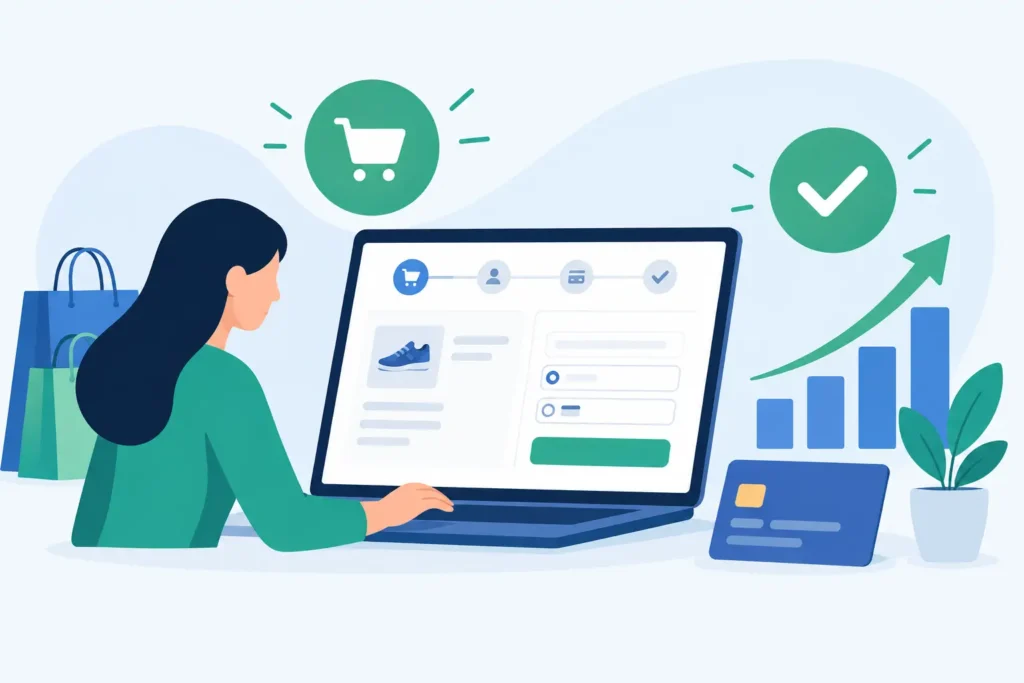
A customer who reaches checkout has already done the hard work. They found your product, compared options, accepted the price, and decided to buy. A poorly built checkout can still lose them in under a minute. This ecommerce checkout design guide focuses on the decisions that reduce drop-off and protect revenue when buyer intent is at its highest.
For SMEs, checkout improvements are often more commercially useful than spending more on traffic. If 1,000 visitors arrive through Google Ads, SEO, social media, or repeat customer campaigns, even a small improvement in checkout completion can create meaningful growth without increasing acquisition costs.
Why checkout design has a direct impact on revenue
Checkout is not a design exercise in the usual sense. It is a risk-reduction process. At this stage, buyers are asking practical questions: Is the final price fair? Can I pay the way I prefer? When will this arrive? Can I trust this business with my card details? What happens if something goes wrong?
Every unclear field, unexpected fee, forced account creation, or slow-loading page gives them a reason to pause. Some pauses become abandoned carts. The most effective checkout design does not try to impress users with visual effects. It helps them finish a task quickly, with enough reassurance to proceed.
This matters even more for paid traffic. A high-performing ad campaign can send qualified visitors to your store, but the cost of every abandoned checkout is still paid for. Conversion optimization at checkout makes the entire marketing budget work harder.
Ecommerce checkout design guide: start with fewer decisions
The most common checkout problem is asking for too much, too soon. Buyers do not want to create a profile, answer marketing questions, or navigate multiple pages just to purchase one item.
Make guest checkout the default
Guest checkout should be visible from the start. You can still offer account creation after purchase, when the customer has received value and is more likely to accept the invitation.
Forced registration is especially damaging for first-time buyers. They may be purchasing a gift, testing a new brand, or simply trying to complete an urgent order. An account offers benefits to your business, but it should not become a barrier to their purchase.
If repeat orders are important, explain the customer benefit clearly. For example, an account can make order tracking, returns, or reordering easier. The wording should answer, “What do I get from this?” rather than simply request more information.
Ask only for information required to fulfill the order
Every extra field has a cost. If a phone number is optional, label it optional. If a company name is unnecessary for most customers, do not put it in the primary flow. Use address autocomplete where possible to reduce typing errors and speed up mobile completion.
For digital products or services, do not collect shipping details at all. The checkout should reflect what is actually being purchased. A customer buying a downloadable resource should not have to wonder why you need their street address.
Keep the flow predictable
A checkout should follow the order people expect: contact details, delivery method, payment, review, confirmation. Rearranging this flow for the sake of originality creates uncertainty.
A clear progress indicator can help on multi-step checkouts, particularly when there are only two or three steps. It shows buyers that the process has an end. However, do not use a progress bar to disguise a long form. If there are four or five screens, the better fix is usually to remove steps.
Show the real cost before payment
Unexpected costs are one of the fastest ways to lose a ready-to-buy customer. Shipping fees, taxes, handling charges, minimum order requirements, and delivery restrictions should be clear before the final payment screen.
If shipping costs vary, provide an estimate early based on the buyer’s location or explain the calculation plainly. Free shipping thresholds can motivate larger orders, but only if the customer sees how close they are to qualifying. A message such as “Add $12 more for free shipping” is useful because it is specific and actionable.
Avoid vague language like “fees may apply.” It creates suspicion without helping the customer make a decision. If a fee is unavoidable, name it and explain why it exists.
For Singapore-based businesses selling locally, delivery timing is often as important as delivery cost. State whether delivery is next-day, standard, scheduled, or self-collection. If same-day delivery has a cutoff time, put it near the delivery option, not buried in a policy page.
Give customers payment options that match their habits
Payment flexibility can lift checkout completion, but adding every possible method is not always the answer. More payment buttons can create visual clutter and add technical complexity. The right mix depends on your audience, average order value, market, and product category.
At minimum, customers expect standard card payments and a trusted accelerated option such as a digital wallet. Local businesses should also consider the methods their actual customers use regularly. For higher-value products, installment or buy-now-pay-later options may reduce hesitation, but only if the fees and eligibility rules are understood.
Display accepted payment methods before the final step. Small, recognizable payment icons can reassure buyers that their preferred method is available. Then ensure the selected payment method opens without delays, redirects, or error messages. Trust disappears quickly when a buyer clicks Pay and nothing happens.
Build trust where doubt appears
Trust signals work best when they answer a concern at the moment it appears. A generic row of badges at the bottom of the page is less useful than relevant reassurance placed near the action.
Near payment, confirm that transactions are protected and make your refund or return position easy to find. Near delivery selection, state delivery windows and tracking availability. Near a high-ticket item, show warranty coverage or customer support access.
Be specific. “Easy returns” is weak if customers cannot tell how many days they have, what condition an item must be in, or who pays for return shipping. Clear policies reduce support questions as well as purchase anxiety.
Social proof can help, but it should be credible. A concise review rating, number of completed orders, or a real customer service contact is more persuasive than exaggerated claims. If your store is new, do not manufacture authority. Focus instead on clear business details, responsive support, and transparent policies.
Design for mobile first, then test on desktop
Many buyers discover products and begin checkout on a phone. A desktop-first checkout that is merely squeezed into a mobile screen creates expensive friction: tiny form fields, hidden error messages, keyboard overlap, and buttons positioned below the fold.
On mobile, use large tap targets, appropriate keyboards for email and phone fields, and one-column layouts. Keep the order summary accessible without forcing the customer to scroll through the entire product list repeatedly. Collapsible sections are useful when they preserve clarity, not when they hide important pricing information.
Also test the checkout on real devices and real connections. A fast office Wi-Fi connection can hide problems that appear on mobile data. Test Apple Pay or other wallet flows, discount code behavior, address validation, and what happens when a payment fails. The failure experience matters. Customers need a clear explanation and an easy way to try again without re-entering every field.
Use errors to guide, not punish
Forms will produce errors. The question is whether buyers can fix them immediately.
Show error messages next to the affected field and use plain language. “Enter a valid postal code” is better than “Invalid input.” Preserve all correctly entered data after an error, especially on payment failure. Making a customer complete the form again is a reliable way to turn a temporary issue into a lost sale.
Discount code fields deserve special attention. Prominent promo-code boxes can encourage shoppers to leave your site and search for a discount they did not plan to use. If discounting is not central to your strategy, keep the field available but unobtrusive. If it is central, ensure expired or invalid codes explain what the customer can do next.
Measure checkout performance before changing it
Do not redesign checkout based on opinions alone. Start with the numbers: cart-to-checkout rate, checkout completion rate, payment failure rate, mobile versus desktop conversion, and abandonment by checkout step.
Then combine data with observation. Session recordings, customer support tickets, and short post-purchase surveys can reveal issues that analytics cannot explain. If buyers repeatedly ask about shipping after reaching payment, the problem is probably not customer behavior. It is missing information in the checkout.
Prioritize fixes by impact and effort. Removing forced account creation or clarifying delivery costs may produce a faster result than a full visual redesign. Test one meaningful change at a time when traffic volume allows it. If volume is low, make evidence-based improvements, document the baseline, and monitor the result over a reasonable period.
A checkout should never be treated as a finished page. It is a revenue system that needs regular checks as your product range, payment methods, fulfillment process, and traffic sources change. Make buying feel simple, honest, and low-risk, and more of the customers you already paid to acquire will become customers you keep.