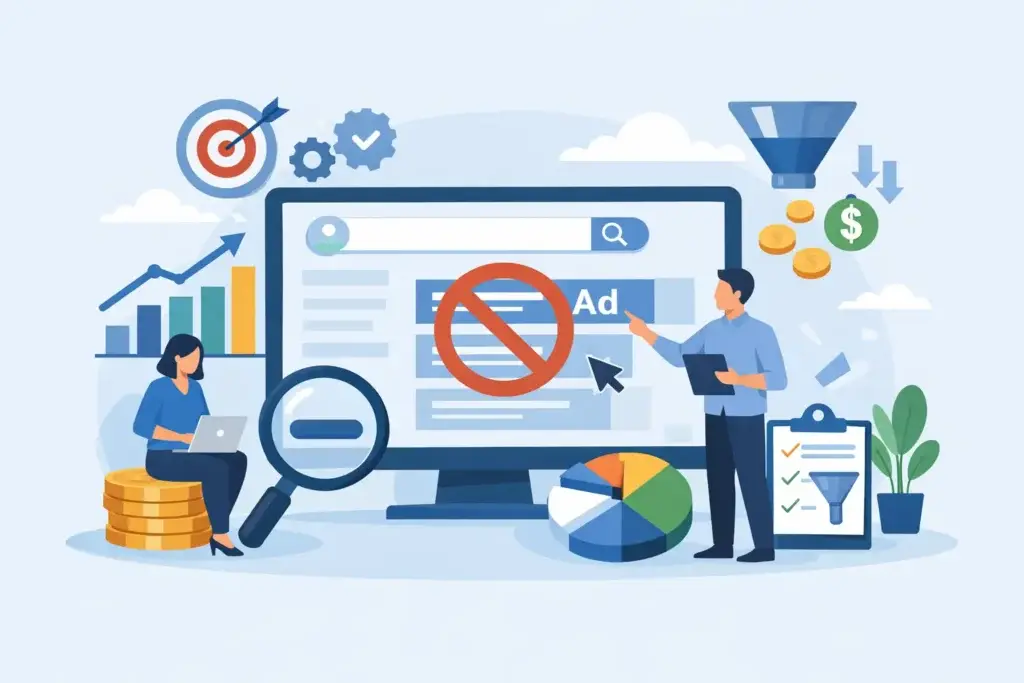
A Google Ads negative keyword guide is not about blocking traffic for the sake of it. It is about stopping your budget from paying for searches that were never likely to become a customer. For an SME with a limited monthly spend, that distinction directly affects lead volume, cost per lead, and how quickly a campaign becomes viable.
A search campaign can have excellent ads, strong landing pages, and sensible bids, then still underperform because it appears for the wrong intent. A company selling commercial renovation services, for example, does not need clicks from people looking for DIY paint tips, free floor plan software, jobs, or training courses. Negative keywords are the control layer that keeps those searches out.
What negative keywords do in Google Ads
Negative keywords tell Google which search terms should not trigger your ads. They prevent irrelevant impressions and clicks, helping your budget concentrate on people closer to buying.
That does not mean every broad or early-stage search is worthless. Someone searching “office renovation cost” may still be researching, but they have commercial intent. Someone searching “office renovation jobs” has a different goal entirely. The first may deserve a tailored ad and landing page. The second should usually be excluded.
For most SMEs, the business case is straightforward: fewer irrelevant clicks means cleaner data, stronger click-through rates, and more budget available for searches that can produce inquiries, bookings, calls, or sales.
Google Ads negative keyword guide: the three match types
Negative keywords work differently from the positive keywords used to target searches. Getting this wrong can either leave waste in the account or block valuable demand.
Negative broad match
A broad-match negative keyword blocks searches containing all the words in the negative keyword, in any order. If you add `free course` as a negative, Google can block searches such as “free digital marketing course” and “course digital marketing free.” It may not block close variations, singulars, plurals, misspellings, or related terms automatically.
Use this when a combination of words consistently signals poor-fit intent. It is useful for terms like “free,” “jobs,” “salary,” “template,” or “training,” but only after checking whether those words might be relevant to a legitimate offer.
Negative phrase match
A phrase-match negative blocks searches that include the keyword phrase in the same order, even when other words appear before or after it. For example, adding `”free consultation”` as a negative can stop ads from appearing for “free consultation for interior design.”
This is helpful when a specific phrase is irrelevant but individual words are not. Be careful with phrases that could sit inside a high-intent search. Blocking `”website design”` because you only build eCommerce sites could accidentally remove prospects searching “eCommerce website design services.”
Negative exact match
An exact-match negative blocks only the specific search query or very close version of it. Adding `[marketing jobs]` as a negative protects your campaign from that query without excluding broader searches around marketing services.
Exact negatives are best for precise cleanup after reviewing search term data. They give you control when a query is irrelevant but the words themselves could still bring valuable traffic in another context.
Start with the search terms report, not a generic list
Prebuilt negative keyword lists are a starting point, not a strategy. A generic list may tell you to exclude words such as “cheap,” “review,” or “comparison,” but those terms are not always bad. A buyer looking for “best HR software comparison” may be very close to a purchase. A person searching “cheap catering Singapore” could be a qualified customer with a clear budget requirement.
The search terms report shows the actual queries that triggered your ads. Review it regularly, especially during the first few weeks after launch. Look for patterns rather than reacting to one odd search in isolation.
Ask three commercial questions for each term: Is this person looking for what we sell? Can we serve them? Is there evidence they could become a profitable customer? If the answer is no, consider a negative. If the answer is maybe, do not rush to exclude it. The better response may be a new ad group, a revised keyword, or a stronger qualifying message in the ad.
For example, a B2B payroll provider may see searches for payroll calculators, payroll jobs, payroll certification, and free payroll templates. Jobs and certifications are clearly irrelevant. Calculators and templates may attract prospects at an earlier stage, so whether to exclude them depends on budget, conversion data, and the company’s ability to nurture longer buying cycles.
Build negative keyword lists by intent
Account-level negative lists save time and reduce repeat mistakes. They are particularly useful for exclusions that apply across almost every campaign, such as job seekers, education seekers, and free-resource searches.
A practical list for a service business may include terms related to employment, salaries, internships, courses, certifications, PDFs, templates, definitions, and DIY instructions. An eCommerce business may need a different set, including wholesale if it only sells retail, used products if it sells new items, or repair queries if it only sells replacements.
Keep broad business-wide exclusions separate from campaign-specific ones. A company that sells both recruitment services and HR software should not add “jobs” as an account-wide negative without checking its recruitment campaign. It could remove relevant searches such as “recruitment jobs posting service.”
This is where account structure matters. Negative keywords should reflect what each campaign is designed to achieve, not just what the business does not want in general.
Avoid the common mistake: overblocking demand
The fastest way to reduce wasted spend is also one of the fastest ways to reduce good leads if done carelessly. Negative keywords can block searches you did not intend to block, particularly when broad-match negatives are applied at the campaign level.
Consider a web development company that adds `free` as a negative because it does not offer free websites. That seems sensible, until a high-intent prospect searches “free website audit agency” or “free website consultation.” If the company does offer a free audit as a lead-generation offer, that negative now blocks suitable prospects.
Similarly, excluding “small business” might sound reasonable for a company targeting larger clients. But a search such as “small business accounting software for 50 employees” could still match the company’s ideal customer profile.
Before adding a negative, check whether the term could be relevant when paired with another word. Where there is uncertainty, use an exact negative first. You can expand it later if the pattern is clear.
A practical review rhythm for SMEs
New campaigns need closer attention because Google is still collecting signals and search behavior can be unpredictable. Review search terms at least weekly during the first month, or more often when spend is high. Once the account is stable, a monthly review may be sufficient for lower-volume campaigns, while high-spend or seasonal campaigns should remain under closer watch.
Do not judge terms only by clicks. A query with no conversions after two clicks is not automatically irrelevant. Look at cost, volume, landing-page relevance, and the normal sales cycle. For a high-value B2B service, one relevant search may be worth keeping even before it has produced a tracked lead.
Document meaningful changes. Record which negatives were added, where they were applied, and why. This creates accountability and makes it easier to investigate sudden drops in traffic or lead volume. It also prevents different people from making conflicting changes in the same account.
Use negative keywords with better targeting, not instead of it
Negative keywords cannot fix a weak campaign strategy. If your keywords are too broad, your geographic targeting is loose, or your ads promise something different from the landing page, the account will keep attracting poor-fit traffic.
Use them alongside clear campaign segmentation. Separate core services where intent differs, write ads that qualify the right prospect, and send each searcher to a page that answers their immediate question. A commercial cleaning company, for instance, should separate office cleaning from residential cleaning rather than relying only on residential-related negatives to force one campaign to work.
For businesses running lean budgets, this discipline matters more than chasing every possible keyword. A smaller, well-controlled campaign can outperform a larger campaign that generates impressive click numbers but weak sales conversations.
The best negative keyword list is never finished. It should evolve with your offers, margins, seasonality, and the language real buyers use. Keep it tied to commercial judgment, review it against lead quality, and let every exclusion earn its place by protecting budget for the customers you actually want.